
Stay Connected on the Go with Your Phone’s Mobile Hotspot
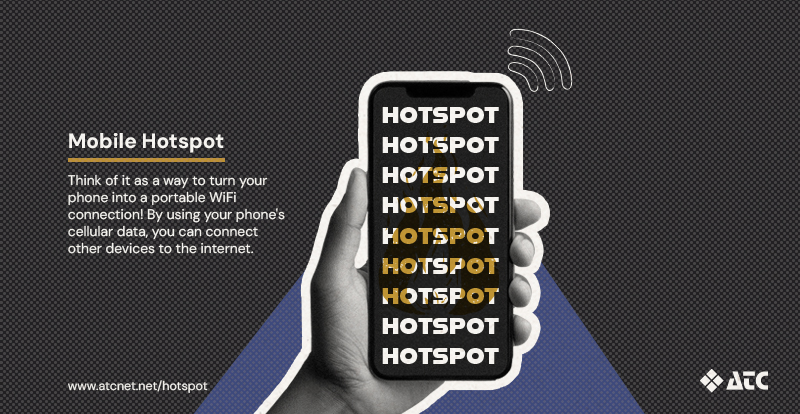
Ever needed to connect your laptop or tablet to the internet when WiFi wasn't available? Your smartphone might have just the solution!
Most smartphones have a built-in feature called a mobile hotspot that lets you share your phone's internet connection with other devices. It's a handy tool to know about, especially when you're on the go!
What Is a Mobile Hotspot?
Think of it as a way to turn your phone into a portable WiFi connection. Instead of using your home internet connection, a hotspot uses your phone's cellular data (4G LTE or 5G) to connect other devices, like laptops and tablets, to the internet.
Whether you're traveling, working remotely, or just need to get your laptop online, a hotspot can help you stay connected wherever you have cellular service.
How to Turn On Your Mobile Hotspot
Here's how to turn on your hotspot, whether you have an iPhone or Android.
iPhone Users
- Open Settings on your iPhone.
- Tap Personal Hotspot (you may need to go to Cellular first).
- Turn on Allow Others to Join.
- Find your WiFi Password on the same screen.
- On the device you want to connect, open the WiFi settings, find your iPhone's network, and enter the password.
Android Users
- Open Settings on your phone.
- Tap Network & Internet → Hotspot & Tethering or Connections → Mobile Hotspot and Tethering, depending on your phone.
- Turn on WiFi Hotspot or Mobile Hotspot.
- Find your hotspot's network name and password.
- On the device you want to connect, open the WiFi settings, select your phone's network, and enter the password.
That's it! You're ready to go. Keep in mind that these steps may look a little different depending on your phone.
A Few Things to Know Before You Connect
Mobile hotspots are convenient, but there are a few things to keep in mind.
- Check your cellular plan. Some phone plans include hotspot access, while others may charge extra. Even unlimited plans can have limits on high-speed hotspot data.
- Keep an eye on data usage. Streaming videos, downloading files, and connecting multiple devices can use data quickly.
- Your connection depends on cellular service. If your phone has a weak signal, your hotspot connection may be slower or less reliable.
- Watch your battery. Using your hotspot can drain your phone's battery faster than usual.
A mobile hotspot is one of those little smartphone features that can make a big difference when you need it. With just a few taps, you can get your laptop, tablet, or another device connected when regular WiFi isn't available.
And when you're back home, your ATC internet and WiFi are there to keep all your devices connected!